


How to join as an inspector
Listing on InspectorFind takes a little upfront effort — that is deliberate. Buyers deserve listings that are complete, consistent, and backed by documents we can actually review.
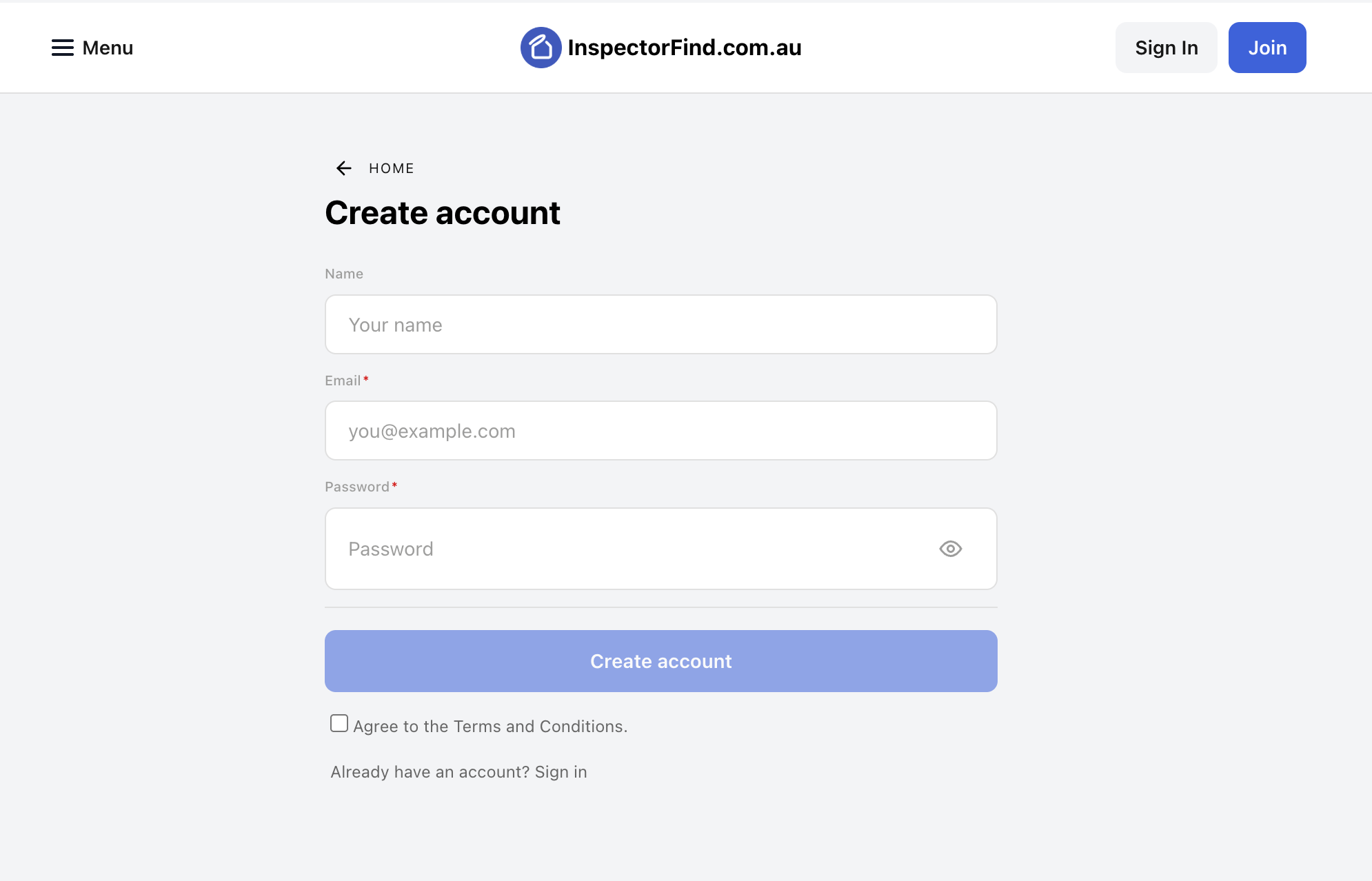
1. Create your account
Sign up with an email you monitor for business use. That login becomes your business dashboard, where you manage services, insurance, qualifications, badges, and verification.
2. The first ~42 hours — what to expect
After registration, most new inspector accounts enter a short onboarding queue (typically around 42 hours). During this window:
- Your listing may be limited or unpublished until core checks complete — use the time to upload everything below so we are not chasing missing pieces.
- Exact timing can vary with volume and public holidays; what matters is that your profile is complete and accurate before you ask for verification.
If anything blocks you in the dashboard, use Contact us from the menu and quote your business name.
3. Add your business details
Fill out overview, contact, service areas, and open hours (if you publish them). Keep names aligned with how they appear on insurance schedules and licences — mismatches slow verification down.
4. Add your services
Create a row for each inspection type you genuinely offer (building only, pest only, combined packages, handover, pool compliance, etc.). Include:
- Plain-language descriptions
- Pricing basis where you publish pricing
- Realistic coverage notes
Incomplete or placeholder services make it harder to approve verification later.
5. Upload insurance — verification-critical
Insurance is one of the strongest signals we use when deciding if a listing can become verified:
- Upload current schedules or certificates for the policies that match what you advertise (for example professional indemnity and public liability where relevant).
- Ensure insured names, dates, and limits are readable in the scan or PDF.
- Expired or unrelated policies usually cannot support verification.
Treat this step as seriously as a tender — blurry photos of paperwork delay everyone.
6. Upload certifications & licences
Qualifications help buyers and our reviewers trust your listing:
- Add licences and memberships that match exactly what your services claim.
- Use clear scans; link optional registry URLs where you have them.
- Pending or unrelated certifications do not substitute for required coverage.
7. Next step — verification
Once your profile is substantive (services + insurance + qualifications), read How verification works — including the InspectorFind badge requirement — then submit when your dashboard prompts you.
We review manually; incomplete uploads are the most common reason applications stall.