


InspectorFind badges & verification
InspectorFind badges are more than marketing ornaments for many inspectors — they are part of how we verify that your public presence genuinely connects to your InspectorFind listing.
Why badges matter for verification
When you embed our official snippet on a domain you control, it creates:
- A visible trust signal for buyers (“as seen on InspectorFind.com.au”).
- A crawlable link from your website back to your InspectorFind profile.
- Evidence that you stand behind your InspectorFind reputation in public, not only behind a login screen.
That combination supports honest directories and aligns with how modern search systems evaluate entity relationships.
Which badge counts toward verification?
For the verification pathway described in How verification works, we look for the verification badge — the blue-outlined embed with a crawlable link to your InspectorFind profile.
Placement guidelines:
- Prefer above the fold sections buyers trust: alongside About, Book / Quote, Pricing, or Contact — not hidden in a footer-only row no one scrolls to.
- One clear placement is enough; multiple placements are welcome if they feel natural.
How to install (inspectors)
Sign in → open Business → Verification (/business/verification).
On that page you will find:
- Verification badge — copy the HTML, paste into a Custom HTML / HTML embed block on your website, and publish.
- Confirm badge page URL — paste the public URL of the page where you published the verification badge.
- Apply for verification — submit once insurance, qualifications, and the page URL are complete.
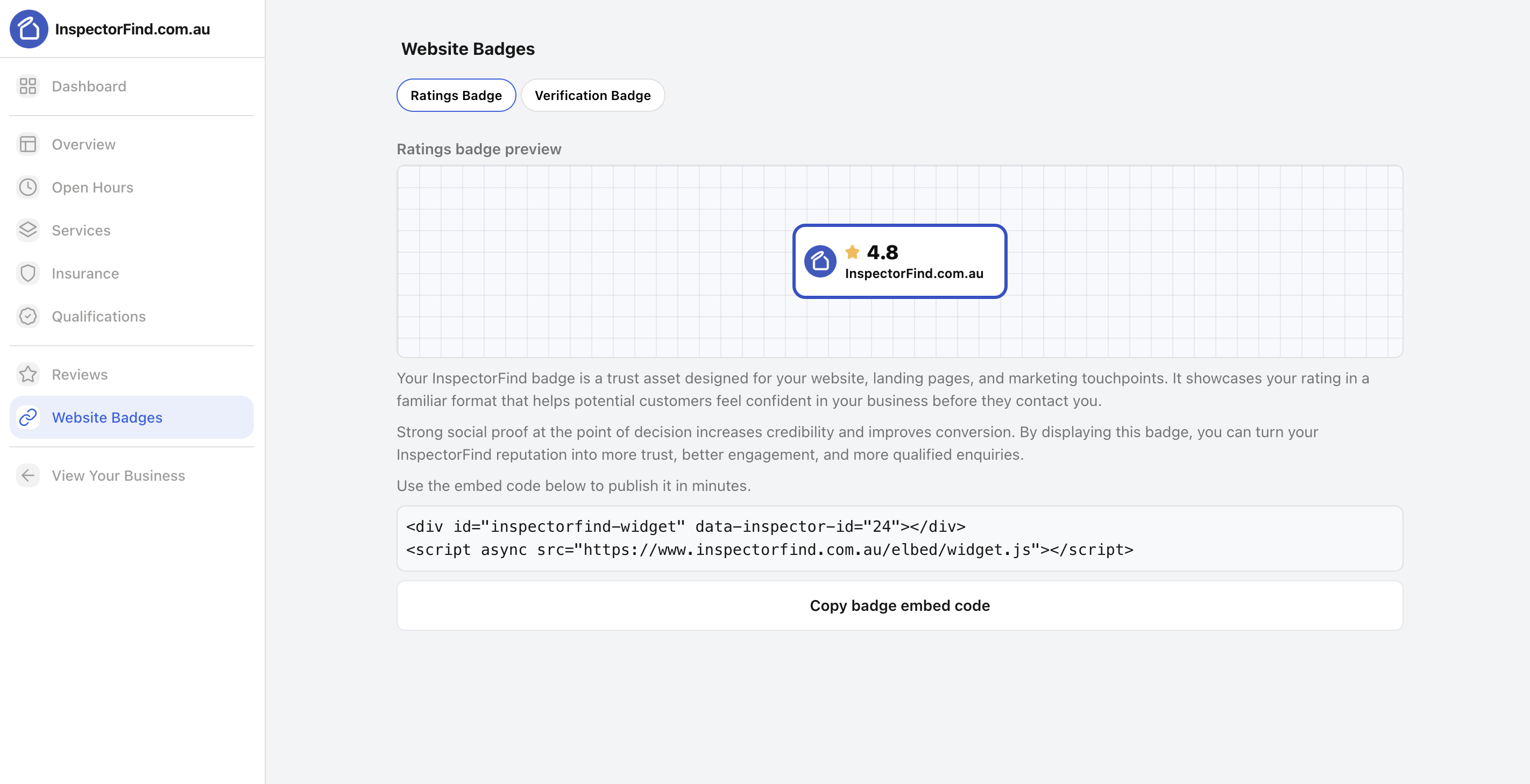
Then in your CMS (WordPress HTML block, Squarespace code embed, Shopify custom liquid section, etc.):
- Copy the verification badge HTML from the Verification page.
- Paste into an HTML embed block — not a plain text block.
- Publish and check in a private browser window that the badge loads correctly.
If your host aggressively strips embeds, ask us via Contact us — we maintain lightweight iframe-only patterns where possible.
Buyers reading this page
Badges prove relationship + reputation, not inspection quality by themselves — always read sample reports and ask inspectors how they scope each property type.